← Return to all prototypes

Compare the prototype approaches

Six ways to navigate the same speaker-and-tools learning journey. Open a prototype to try its interaction, or select a screenshot to inspect the captured state at full size.

Desktop views
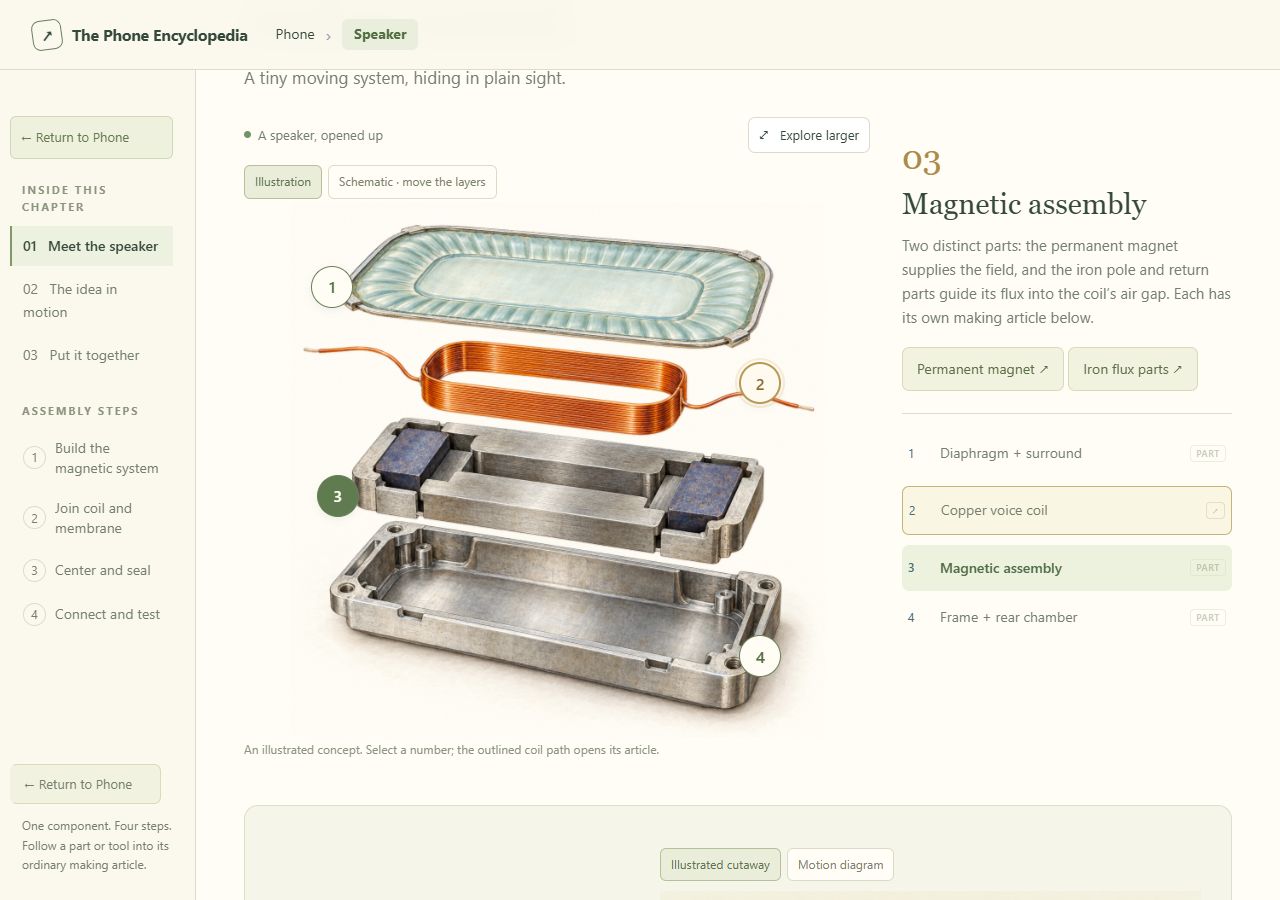
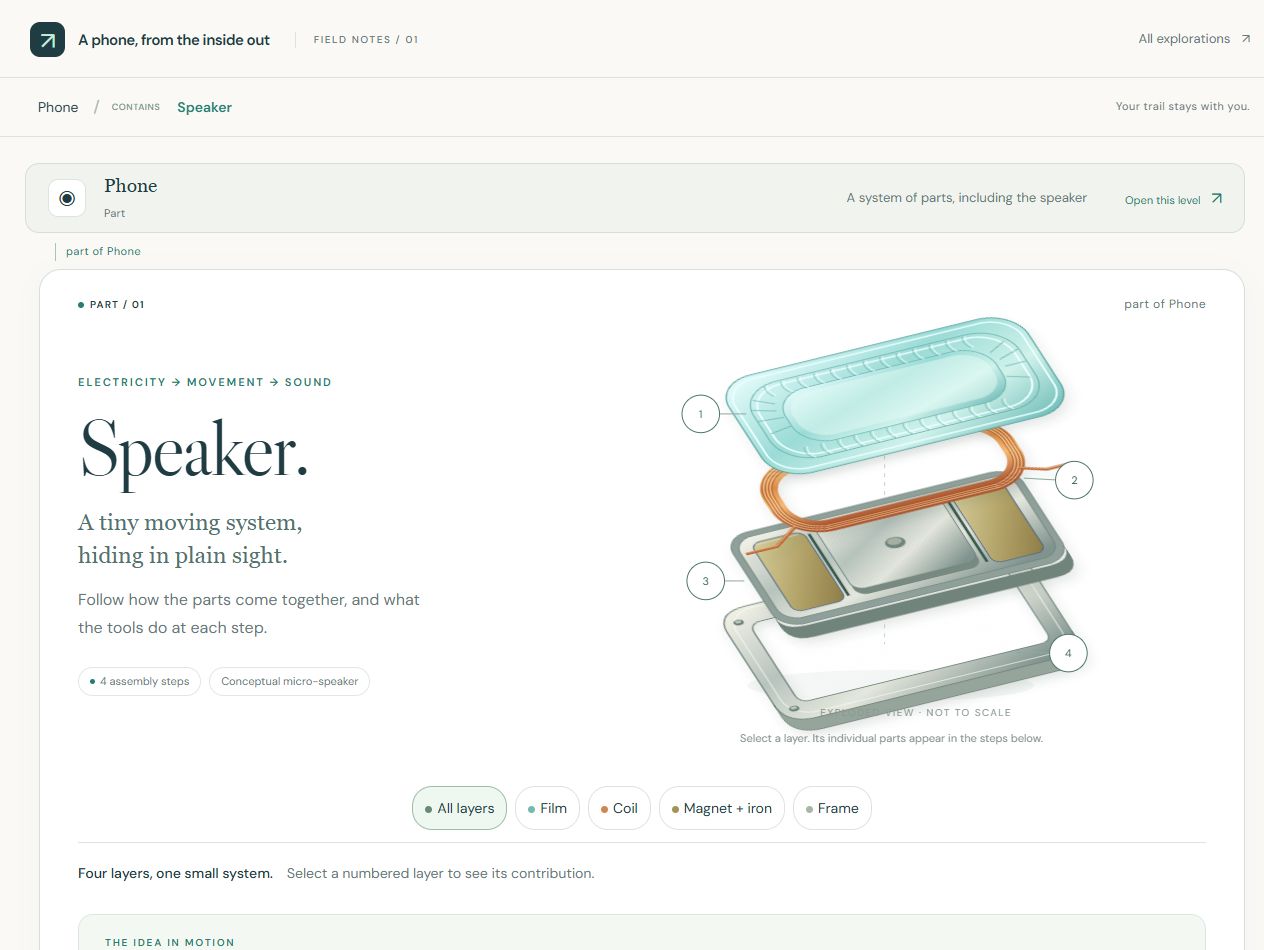
Encyclopedia · parts and making pathsOpen prototype ↗
Illustrated encyclopedia with magnetic assembly selected and separate part-making links

View full size ↗

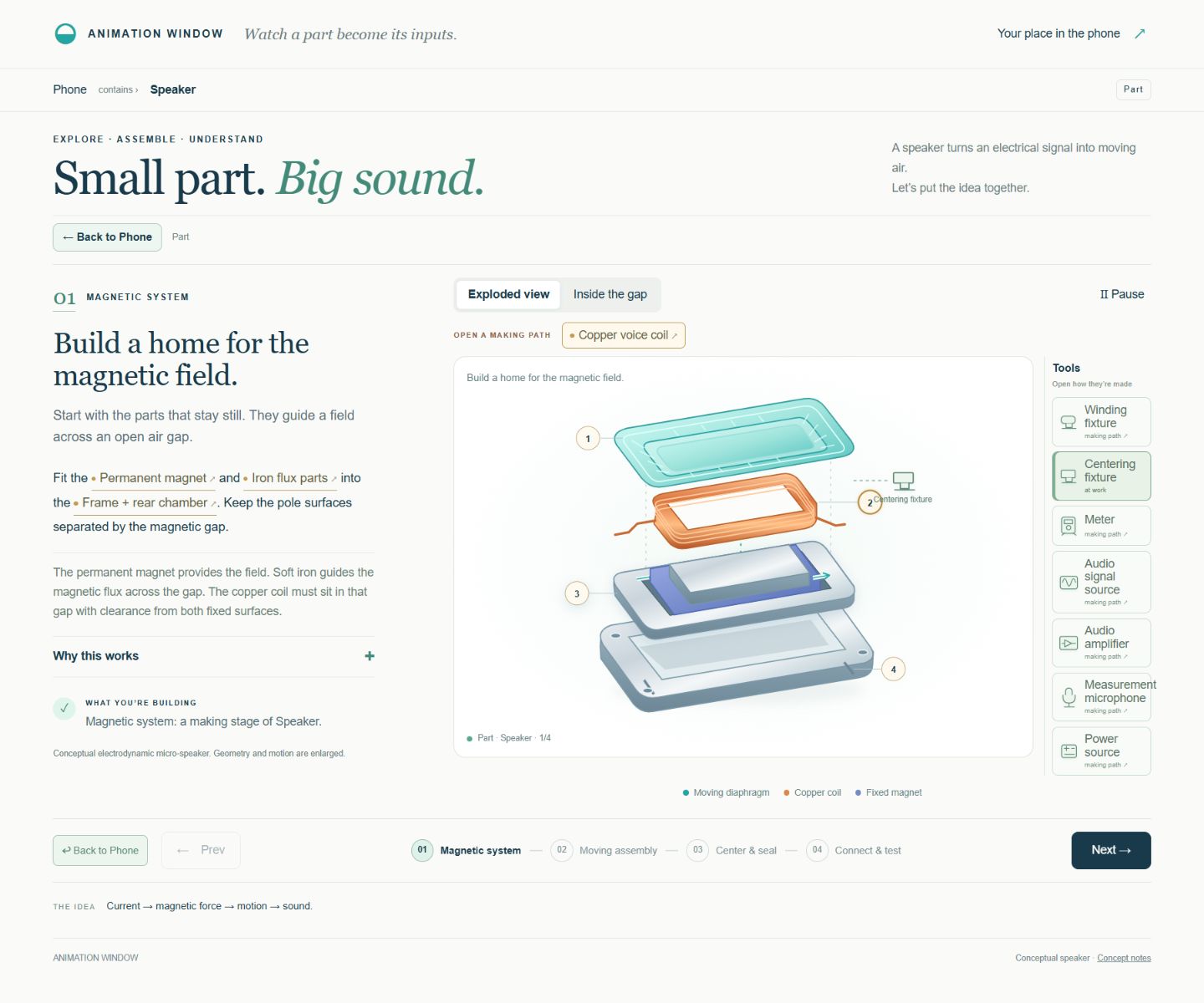
Animation window · movement and toolsOpen prototype ↗
Animation prototype with the current making step, diagram and tool rack

View full size ↗

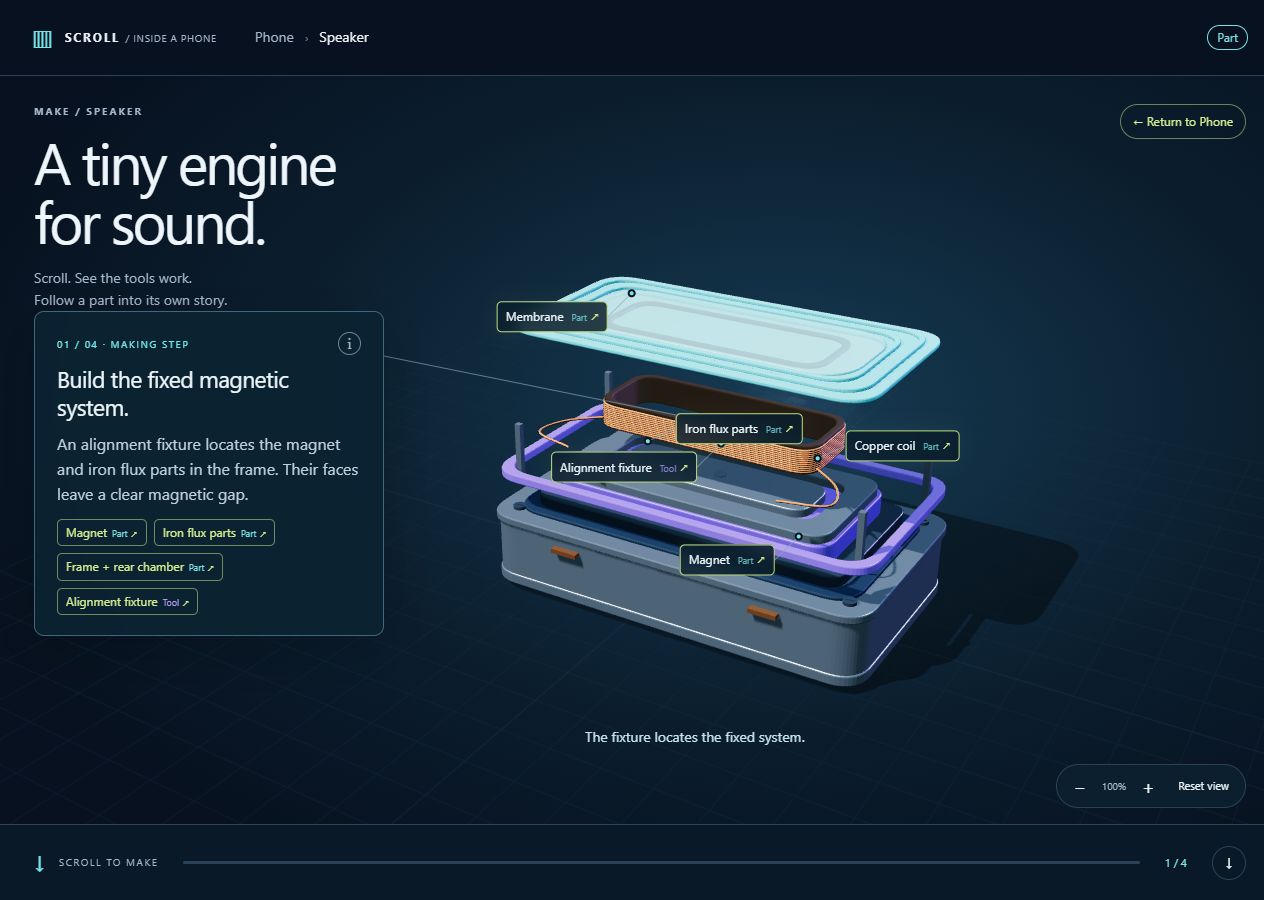
Scroll · tools in the making sceneOpen prototype ↗
Speaker making step with an alignment fixture, linked parts and progress controls

View full size ↗

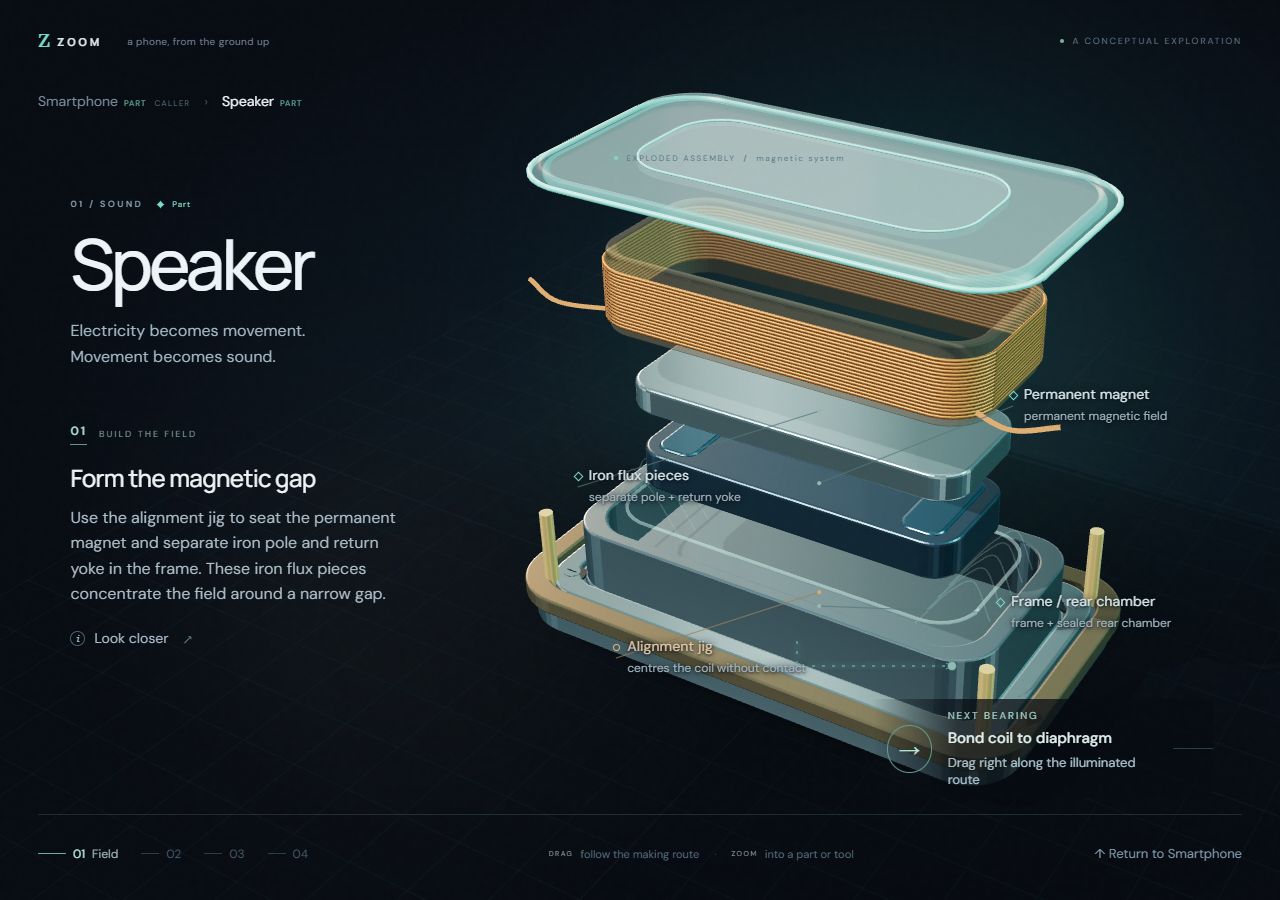
Zoom · three-dimensional making routesOpen prototype ↗
Exploded speaker assembly with its current making step and navigation

View full size ↗

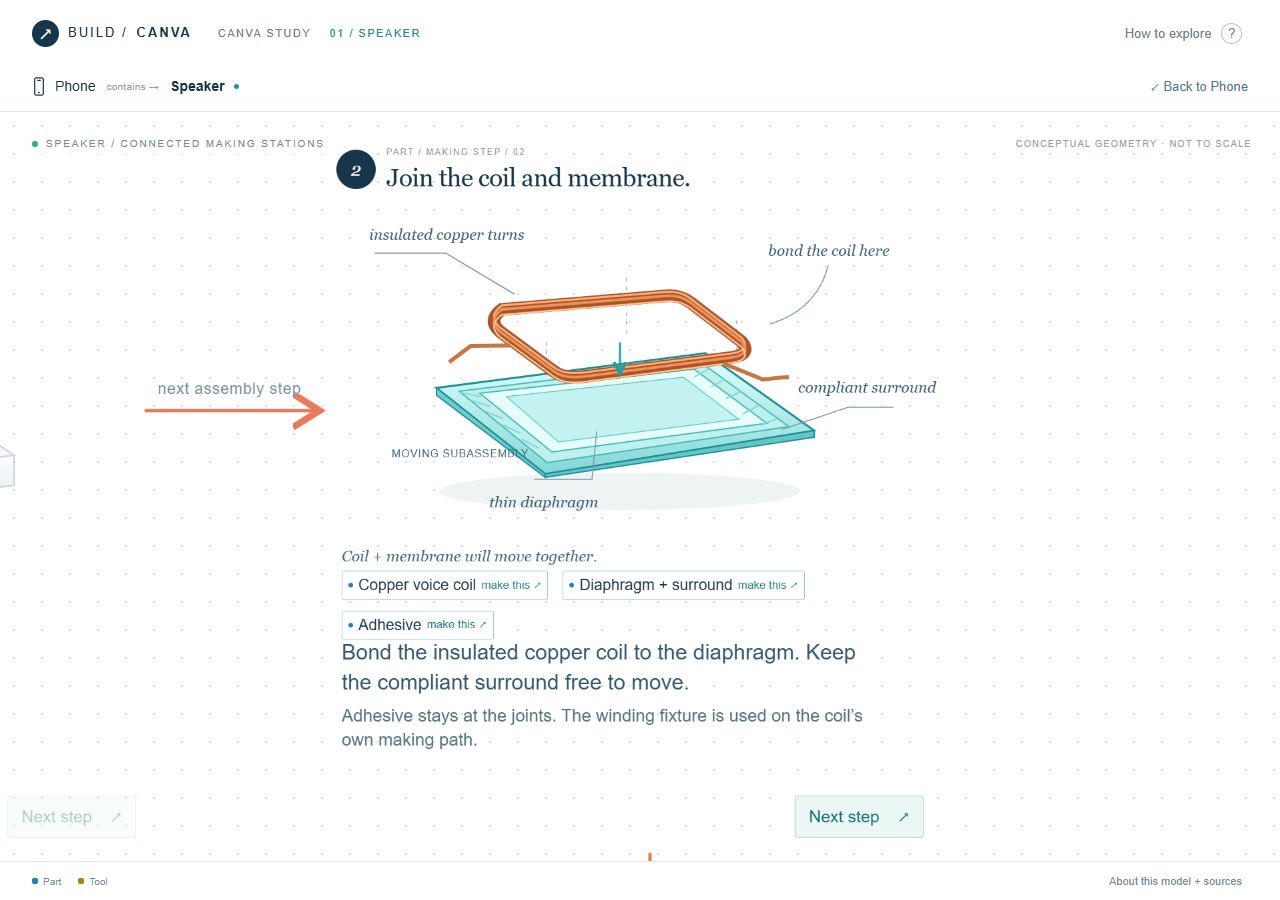
Canvas · connected making stationsOpen prototype ↗
Connected canvas station showing the coil and membrane with making links and a next-step control

View full size ↗

Stack · collapse, open and returnOpen prototype ↗
Expanded speaker card beneath its collapsed phone ancestor

View full size ↗

Phone-sized views

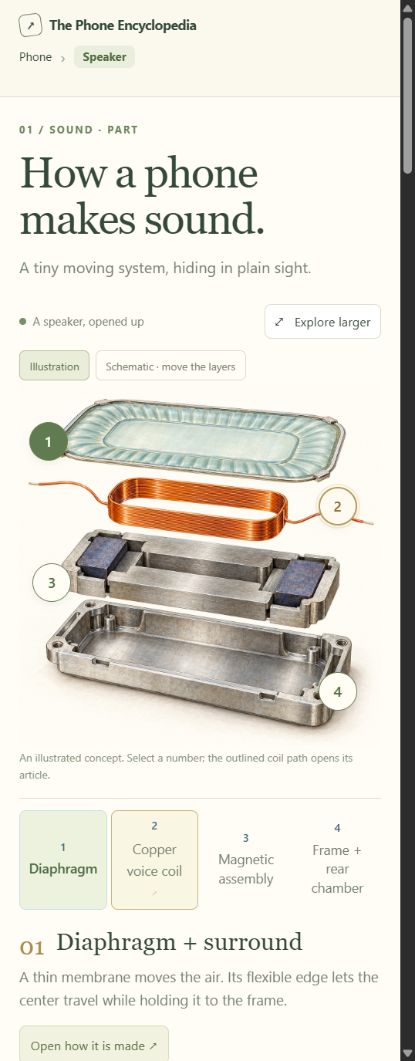
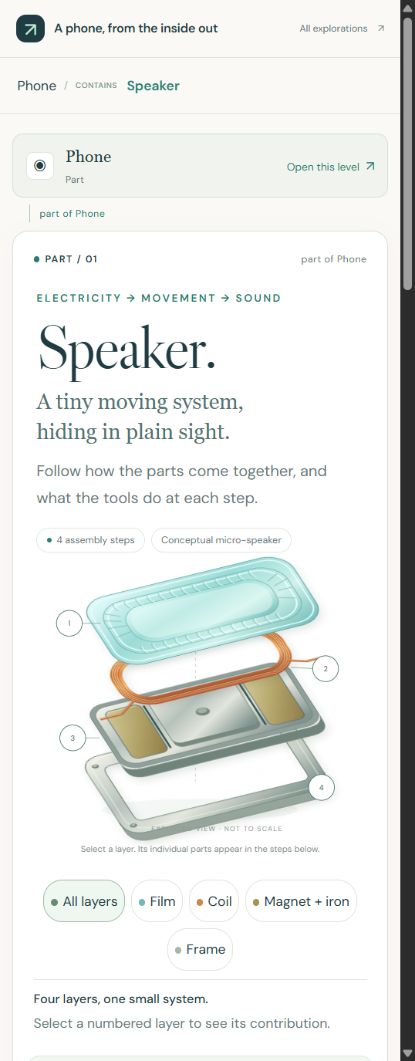
Encyclopedia · selected speaker partOpen prototype ↗
Phone-sized encyclopedia view of the speaker and a selected part

View full size ↗

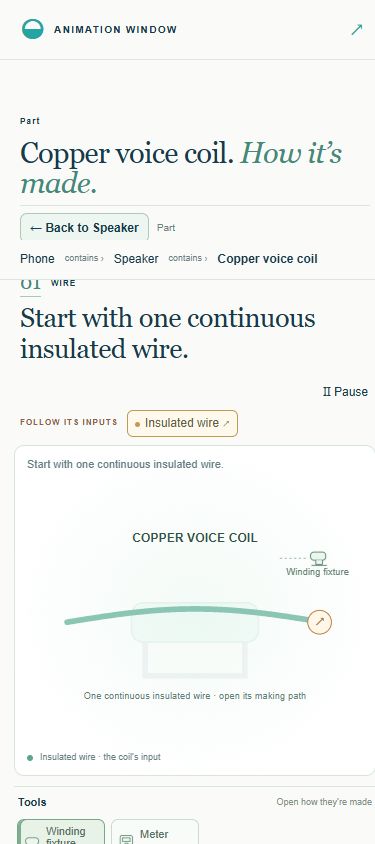
Animation window · coil inputOpen prototype ↗
Phone-sized coil-to-wire input view with the caller path retained

View full size ↗

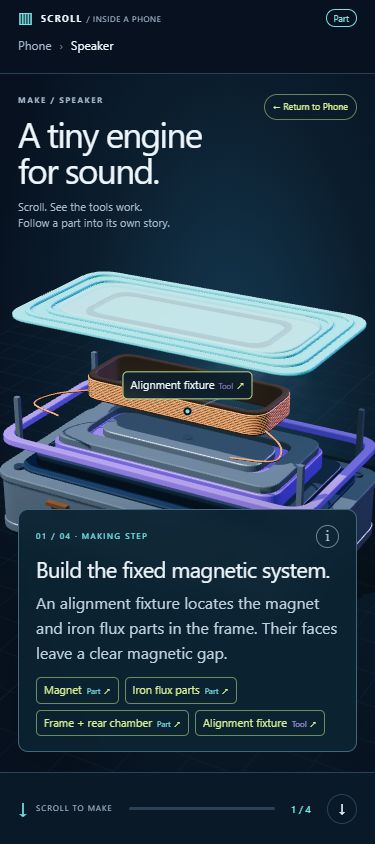
Scroll · making step and sceneOpen prototype ↗
Phone-sized speaker scene with the active tool, making step and progress control

View full size ↗

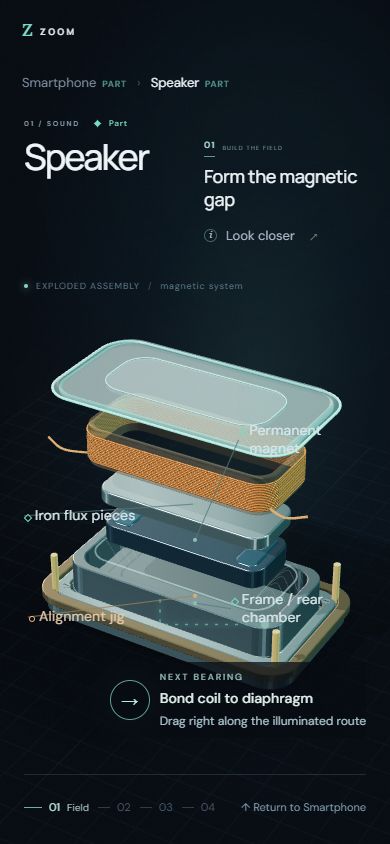
Zoom · speaker making routeOpen prototype ↗
Phone-sized exploded speaker assembly with part labels and step navigation

View full size ↗

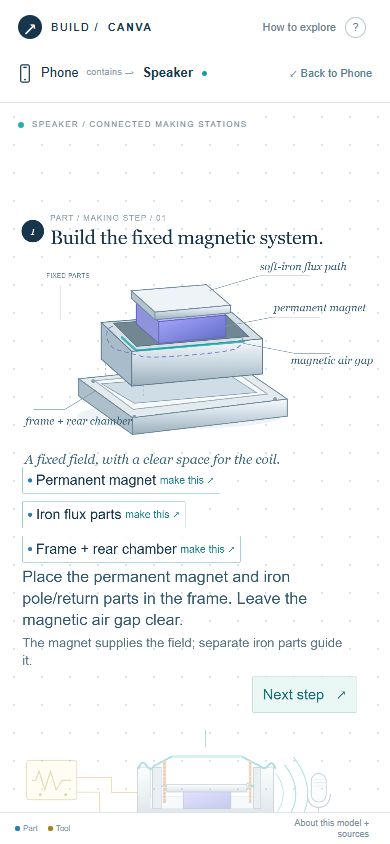
Canvas · travel between stationsOpen prototype ↗
Phone-sized canvas making station with part links, explanatory text and a next-step control

View full size ↗

Stack · speaker and ancestryOpen prototype ↗
Phone-sized speaker view with its collapsed ancestor and making content

View full size ↗

The narrow-screen images show phone-sized layouts captured in Chrome. They do not establish native touch or device testing. These are selected prototype states, and stand-in content remains marked in the live prototypes; a still image cannot demonstrate the full animation or return behavior.