What happens to a curve when the coordinates get enormous?
This bound.less debugging lab compares ways to represent the same curved edge at extreme zoom. It makes small painting differences visible against a screen-space reference.
Why a drawing app needs this experiment
When you zoom far into a drawing, only a tiny section of a curve may fit on screen while the circle and its endpoints are far outside the viewport. A representation that looks fine at ordinary scale can develop a visible error when huge coordinates reach the browser renderer.
This lab isolates that problem from bound.less so alternative representations can be compared under the same conditions.
What I built
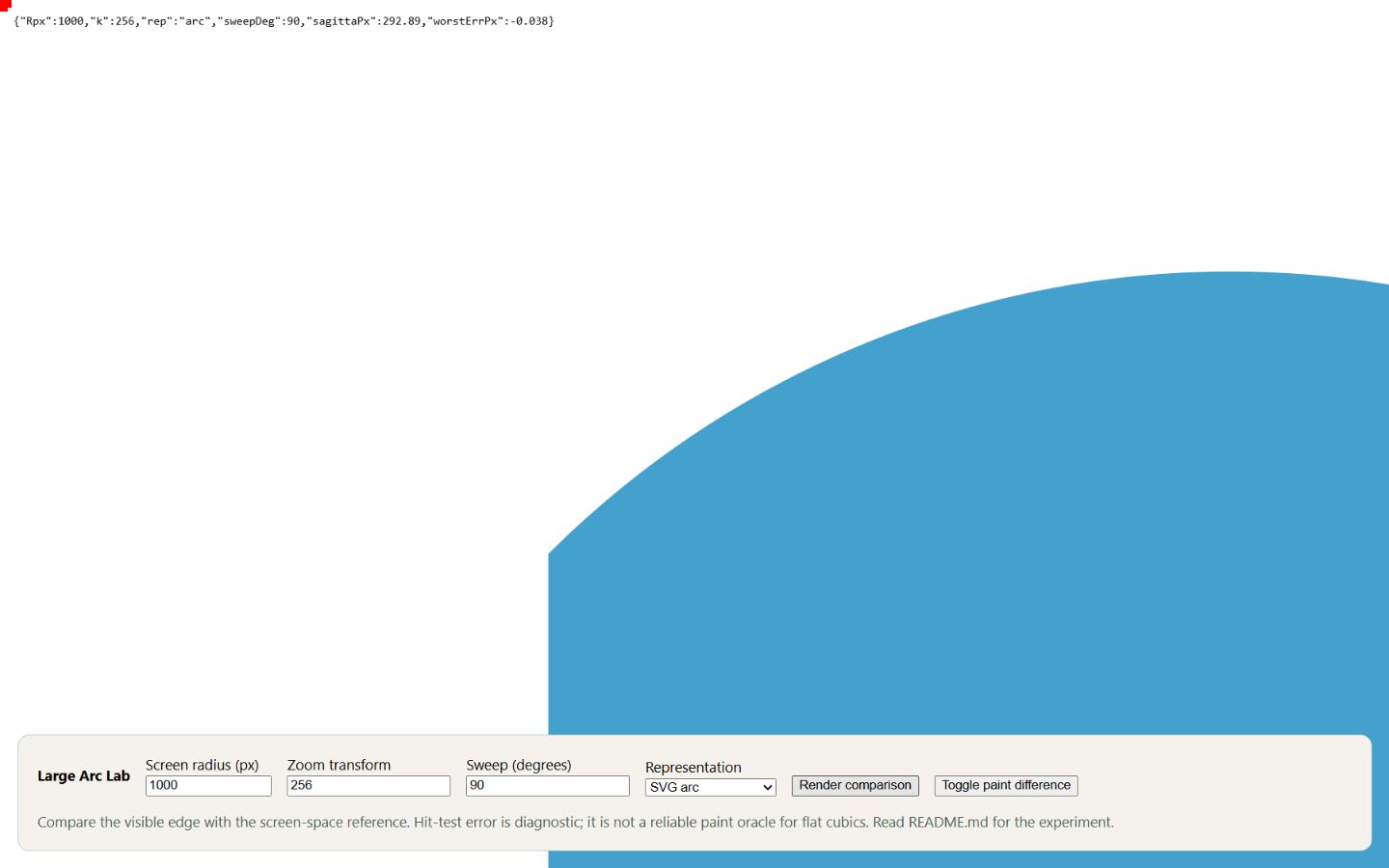
The page can draw the conceptual edge as a native SVG arc, split arcs, quarter-turn cubic curves, a fixed 22-degree switching rule or the renderer’s adaptive plan. Controls vary the radius, transform scale and sweep.
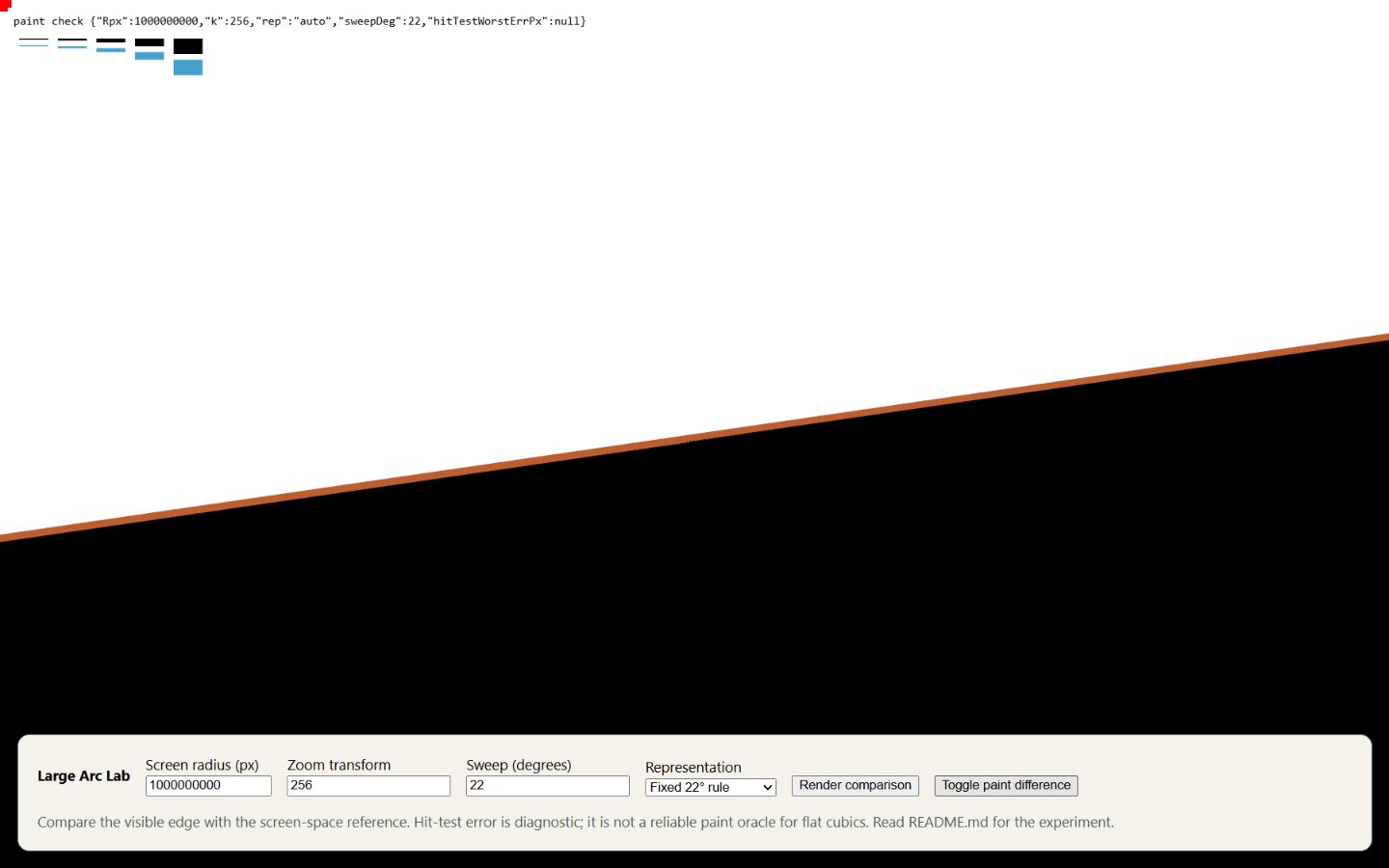
A sampled screen-space reference and paint-difference overlay help reveal where the visible edge disagrees. Pixel-scale marks give a sense of how large that disagreement is.
Try a comparison
Change the representation or radius, choose Render comparison, then use Toggle paint difference. Compare a few representations with the same parameters and inspect the colored sliver at the edge.
The hit-test diagnostic is another clue, but it does not reliably tell you what flat cubic curves actually paint. The visible comparison is the important part of this investigation.
What the lab contributed
I used an AI-assisted debugging workflow to build a repeatable experiment around precision and curve-approximation errors. It showed that neither format works everywhere: cubic curves drift on wide arcs, and the browser’s own arc command drifts on thin slivers of enormous circles. A fixed rule (a cubic below 22 degrees of sweep, an arc above) still left errors of up to about 15 pixels at extreme zoom, so bound.less moved to an adaptive plan that showed no visible error at that worst case.
This page preserves that experiment. It isn’t a cross-browser benchmark: a fair comparison would need the browser version, zoom, screen density, window size and settings recorded.